
Background
How a target becomes a drive.
iSCSI4NAS connects an iSCSI target over the network and presents its LUNs through a DriverKit driver as real macOS disks. Connection, Publish and Mount are three separate states. In the app they appear as Connected, Disk attached and Mounted, and Mount runs them in one click.
From the NAS to Finder
- Find the target. The NAS offers an iSCSI target with a target IQN and one or more LUNs. iSCSI4NAS reaches it by address and port. The default is port
3260. You can enter other ports in the app. - Build the session. The app logs in to the target and speaks iSCSI over TCP. If the NAS requires CHAP, the session uses the credentials saved for this target.
- Publish the LUNs. The driver uses
SCSIControllerDriverKit. At Publish it registers the LUNs with macOS as SCSI disks. - Mount the volume. macOS recognises partitions and file system on the disk and mounts the volume. From here it is in Finder.
In short: NAS target → iSCSI session → DEXT → Publish → macOS disk → Mount → Finder.
What Discovery does exactly
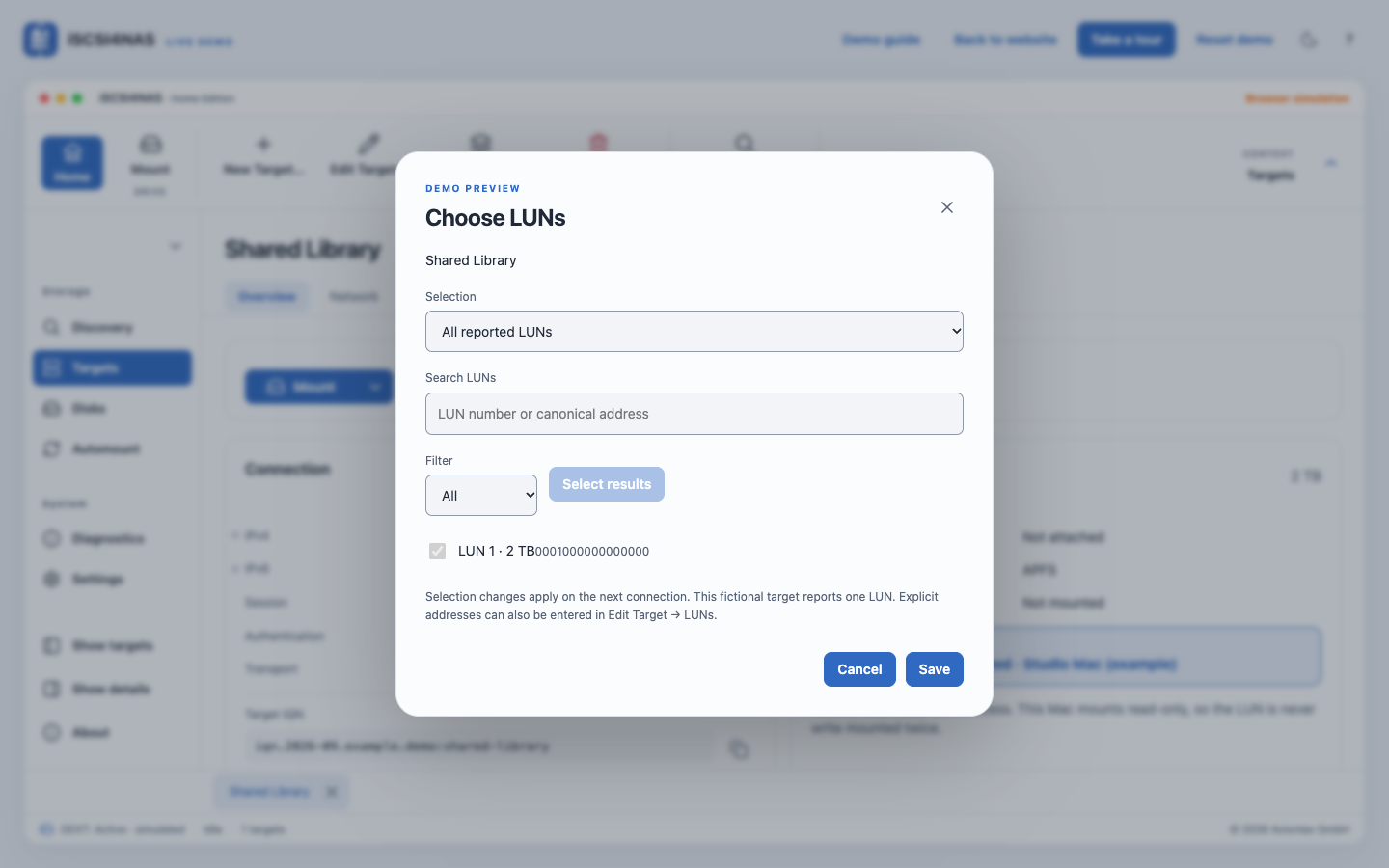
A double-click on a discovered NAS queries its targets. A double-click on a discovered target runs Mount: it connects the target and publishes the LUNs. With exactly one LUN, Mount starts automatically. With several, you choose the LUN to mount.
Save Target… turns a result under Discovery into a saved profile. The direct mount creates the profile before connecting as well.
In the profile of a saved target you decide whether all reported LUNs or a specific selection get published. Targets shows the state bar and the connection, including which address, IPv4 or IPv6, is in use. Disks shows disks and volumes.
Key terms
| Term | Meaning |
|---|---|
| Initiator | The software on your Mac. It builds the iSCSI session to the target. |
| Portal | Address and port where a target can be reached. |
| Target IQN | The unique name of the target. The NAS assigns it. |
| Session | The active iSCSI connection between initiator and target. |
| CHAP | The login to the target with user name and password. |
| Display name | The name you give a saved target in iSCSI4NAS. |
| LUN | A disk inside the target. Each published LUN is a separate disk for macOS. |
| Publish | The driver registers a LUN with macOS as a disk. The app shows this as Disk attached. |
| Mount | macOS attaches the file system of a disk as a volume. |
| Volume | A mounted file system. This is what you see in Finder. |
| Write mounted | Every Mac running iSCSI4NAS announces a read/write mount via Bonjour. Other Macs then show write remote mounted and mount the same LUN read-only. |
CHAP credentials belong to the profile of a target. The password lives in the macOS Keychain and is read when connecting.
DriverKit and FSKit
SCSIControllerDriverKit is Apple's interface for SCSI drivers. iSCSI4NAS uses this path so macOS sees every LUN as a real disk. That includes Disk Utility, APFS, Time Machine and several LUNs at once. FSKit is Apple's interface for file systems and works one layer above.
The detailed comparison is on the website under FSKit vs. SCSI.
Look it up with built-in tools
These Terminal commands only read the current state. They change nothing:
systemextensionsctl list
diskutil list
systemextensionsctl list shows the registered system extensions and their state in macOS. diskutil list shows all disks and partitions. Compare size and state with Disks in the app before matching an entry.
If a layer is missing, check in order: driver, target connection with Publish and then volume and mount.
What happens automatically at login
Logging in to macOS can start the app. A separate switch connects a saved target when the app starts. An Automount rule connects its target itself and publishes a specific LUN or mounts a volume. Startup and Automount explains all three.